

For AliExpress product research, a price tracker or a dropshipping catalogue, start with Scavio's AliExpress API. One POST to /api/v1/aliexpress/search or /category with sort_by: orders returns 60 products ranked by sales, each with price, original price, discount, rating, ship-from country, a delivery window and exact_sold, the real order count behind the rounded “10,000+ sold” badge. A third endpoint returns buyer reviews with an English translation and the star breakdown. Every call is 1 credit, and Scavio starts from $1 per 1,000 requests on the Growth plan.
AliExpress does have official APIs. The AliExpress Open Platform issues app keys for an Affiliate API, built for publishers in the affiliate program and called with an app key, app secret and tracking id, and a Dropshipping API for store owners. Both start with developer registration and an app review. A thread on r/Aliexpress about getting a developer account has 32 comments, with one developer rejected three times and another who gave up after ten attempts. If you qualify for a program, the official route is free. Dropshipping apps such as DSers import products and process orders for a store; they are not data APIs.
We build Scavio, so read this with that bias in mind. Every Scavio number below comes from live calls we made on November 29, 2026. Every competitor detail was read off the vendor's own page that day, and where a detail was not published we say so. The screenshots are each vendor's own AliExpress page, captured the same day.
Which AliExpress API fits your job?
| Tool | Choose it for | Exact sold count | Reviews | Price (checked Nov 29, 2026) |
|---|---|---|---|---|
| Scavio | Apps and agents that rank products by orders and need reviews in English | exact_sold on search and category | Translated, with star rates, up to 50 a call | From $1 per 1,000 requests (Growth); 1 credit a call; 50 free credits |
| Apify (Zen Studio actor) | Batch runs with variants, stock and seller stats | soldCount | Optional, translated | $1.99 to $2.49 per 1,000 products by plan; full details $3.49 to $3.99 per 1,000 extra, on by default |
| Bright Data | Large record files by product or category URL | Not listed on the page | Not a separate scraper | $1.50 per 1,000 records; 5,000 free records a month |
| Oxylabs | Teams that parse HTML themselves | Not in a preset; you parse it | Not in a preset | Web Scraper API from $0.50 per 1,000 results; AliExpress rate not listed; $15/mo Starter |
| Piloterr | Product detail from a URL | sold_count | Reviews endpoint, 1 credit | Product 2 credits; $49/mo for 18,000 credits; 500 free credits |
| AliExpress API on RapidAPI | Small projects testing search and product by URL | soldCount in the sample | Not listed | 20 free requests a month; $10/mo for 20,000 requests |
The sold badge hides most of the demand signal
Product research on AliExpress starts with orders: what sells, at what price, shipped from where. The site rounds that into a badge, and the badge rounds down hard. We asked Scavio for category 66, whose first page is nail clippers, makeup brushes, nose strips and similar personal-care tools, sorted by orders and shipped to the US. One call returned 60 listings.
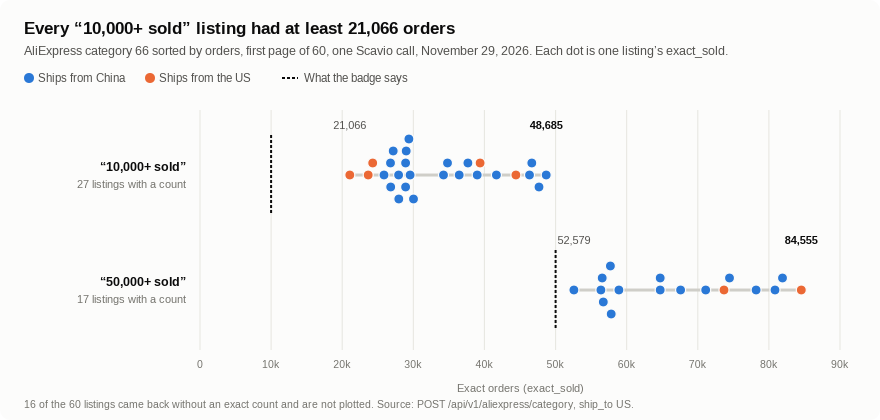
Forty listings carried the same “10,000+ sold” badge. The 27 of them that came back with an exact count had between 21,066 and 48,685 orders, every one at least twice what the badge says, and the top one, a $0.33 nail care kit shipped from China, had 2.3 times as many orders as the bottom one. Twenty listings read “50,000+ sold”; the 17 with a count ran from 52,579 to 84,555. If you rank on the badge, two-thirds of the page ties. If you rank on exact_sold, it does not. The seven listings that ship from the US were the expensive ones, from $9.09 to $349.69 with free shipping, while 25 of the 37 China-shipped listings showed $0.33 at discounts of 88% to 96%, the promotional price AliExpress displays on the page. Sixteen of the 60 rows came back without a price or an exact count, so drop nulls before you rank.
1. Scavio: exact orders, market prices and translated reviews
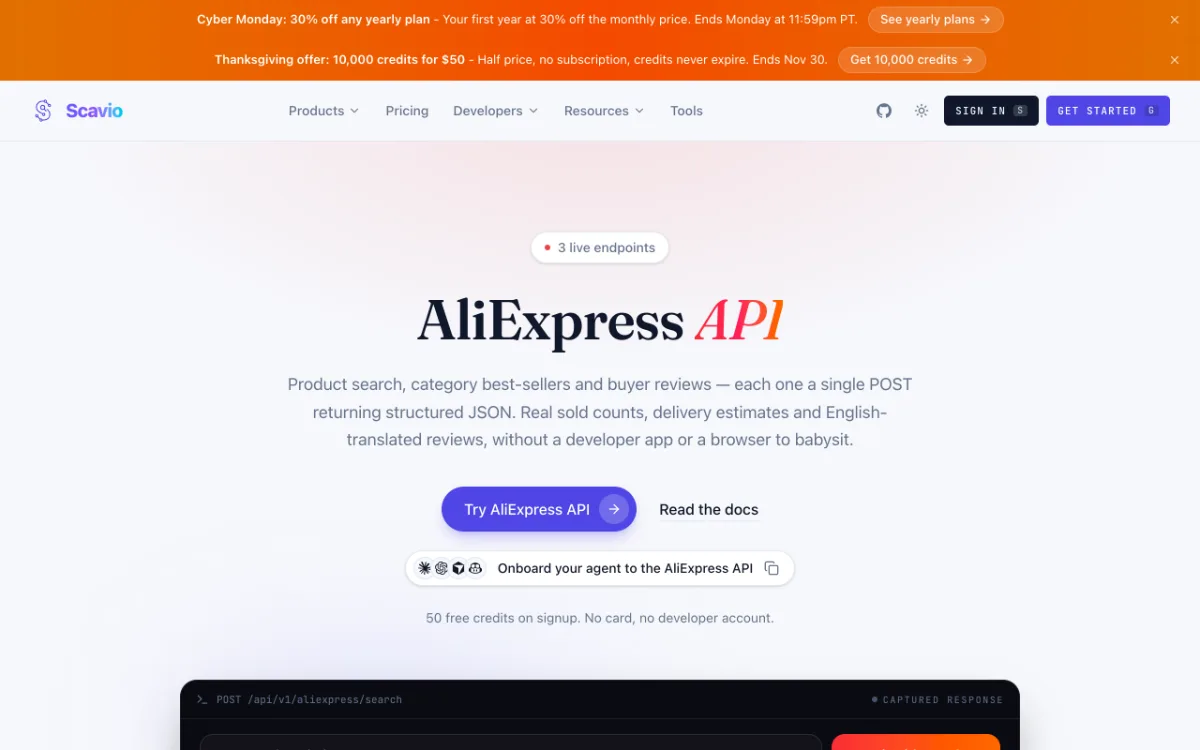
Scavio's AliExpress API covers keyword search, category listings and reviews, each a POST that returns JSON. Measured on November 29:
- Search: “posture corrector” sorted by orders returned 60 products from 6,944 results in 2.1 s, each with price,
discount_percent,tax_rate, rating,sold_text,exact_sold,ship_from,free_shipping, a delivery window with dates, image gallery and the SKU id, plus 12 related searches. The top listing had 33,767 orders under a “30K+ sold” badge. 1 credit. - Filters and markets:
ship_from: "US"withmax_price: 20cut the same query to 15 US-warehouse items.ship_to: "GB"withcurrency: "GBP"priced the top listing at £1.80, 59% off £4.46 with 20% VAT and a 4-7 day delivery, against $0.33 and 7-13 days for a US shopper. - Category: the 60 best-sellers in category 66 in 2.0 s, the data behind the chart above.
- Reviews: 50 reviews of the top posture corrector in 2.3 s, each with original text, an English translation, buyer country, the size and colour bought, the shipping service and a “buy the same” suggestion, plus star rates (74.7% five-star, 90.6% positive) and AliExpress's review impressions such as “effective support” (39).
What it does not do: 9 of 60 search rows and 16 of 60 category rows came back without a price or exact count in our tests, a page holds at most 60 products, and the price is the one the site displays, including promotional prices. Some badge formats differ by market (“30K+ sold” for the US, “10,000+ sold” for the UK), so read exact_sold, not the badge text. The benefit is one key and one JSON format for AliExpress alongside Amazon, eBay, TikTok Shop and other marketplaces, plus an MCP server for agents. How to get AliExpress product data and prices walks through each call with captured responses.
2. Apify: Zen Studio's AliExpress actor
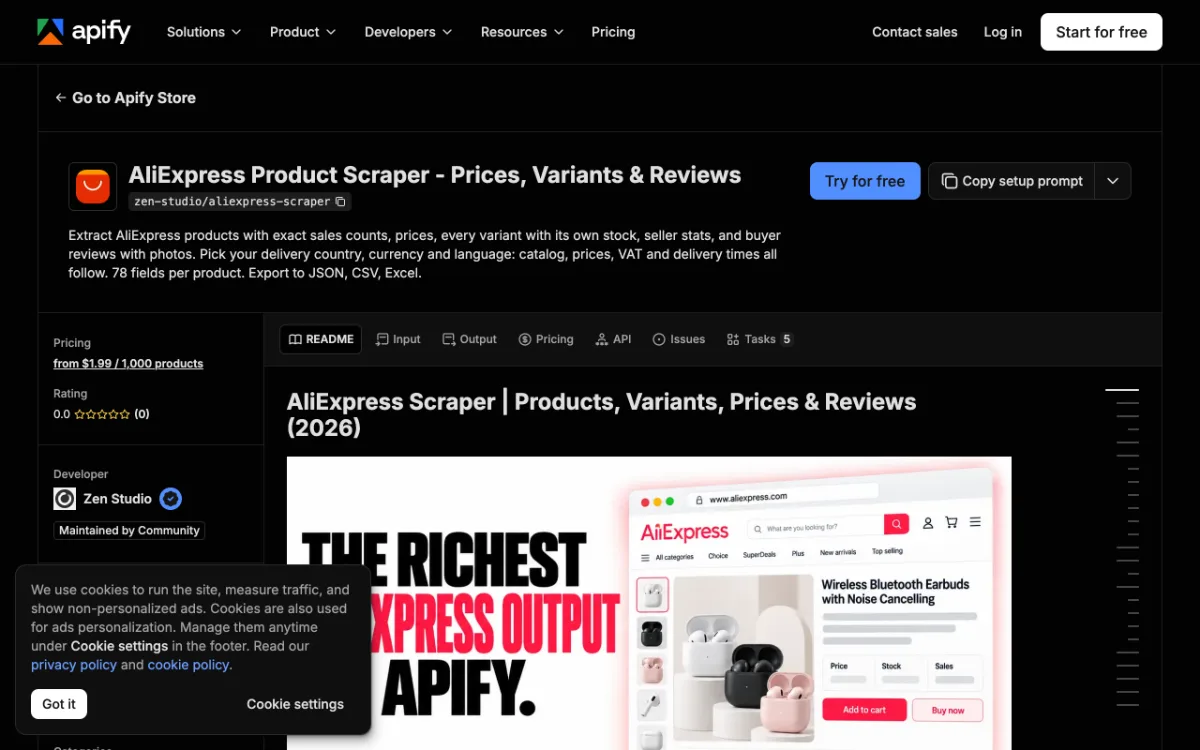
The zen-studio/aliexpress-scraper actor takes keywords, product URLs, store URLs or a category id and returns 78 fields per product: an exact soldCount next to the soldText label, every variant with its own price and stock, seller stats such as units sold in 180 days, delivery options for 63 markets in 44 currencies, and optional translated reviews. It bills per event: $2.49 per 1,000 products on Apify's Free and Bronze plans, $2.29 on Silver and $1.99 on Gold and above, plus $3.49 to $3.99 per 1,000 for full product details, which is on by default, $1.49 per 1,000 reviews and a small start fee per run. The page listed 1,380 total users and 559 monthly users, with no ratings yet. Choose it for batch runs that need variant-level stock and seller data written to a dataset. Each actor is maintained by its author, so pin the one you test.
3. Bright Data: record files by product or category
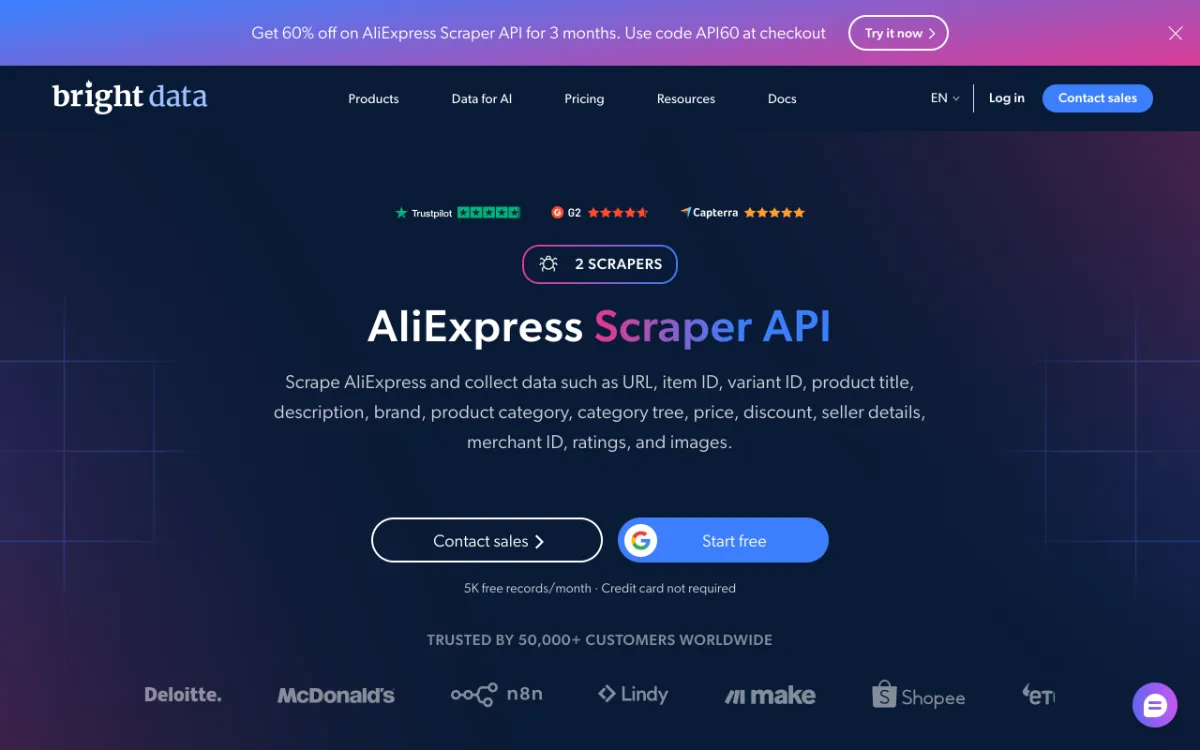
Bright Data's AliExpress Scraper API has two collectors, products by URL and products by category URL, returning item id, variant id, title, description, brand, category tree, price, discount, seller details, ratings and images. It costs $1.50 per 1,000 records pay-as-you-go, or $499 a month for 384,000 records with more at $1.30 per 1,000, and every account gets 5,000 free records a month. Output arrives as JSON, NDJSON or CSV by API, webhook or cloud storage. The page does not list a keyword search collector or a review collector. Choose it when the deliverable is a large file of product records on a schedule.
4. Oxylabs: AliExpress pages through the Web Scraper API
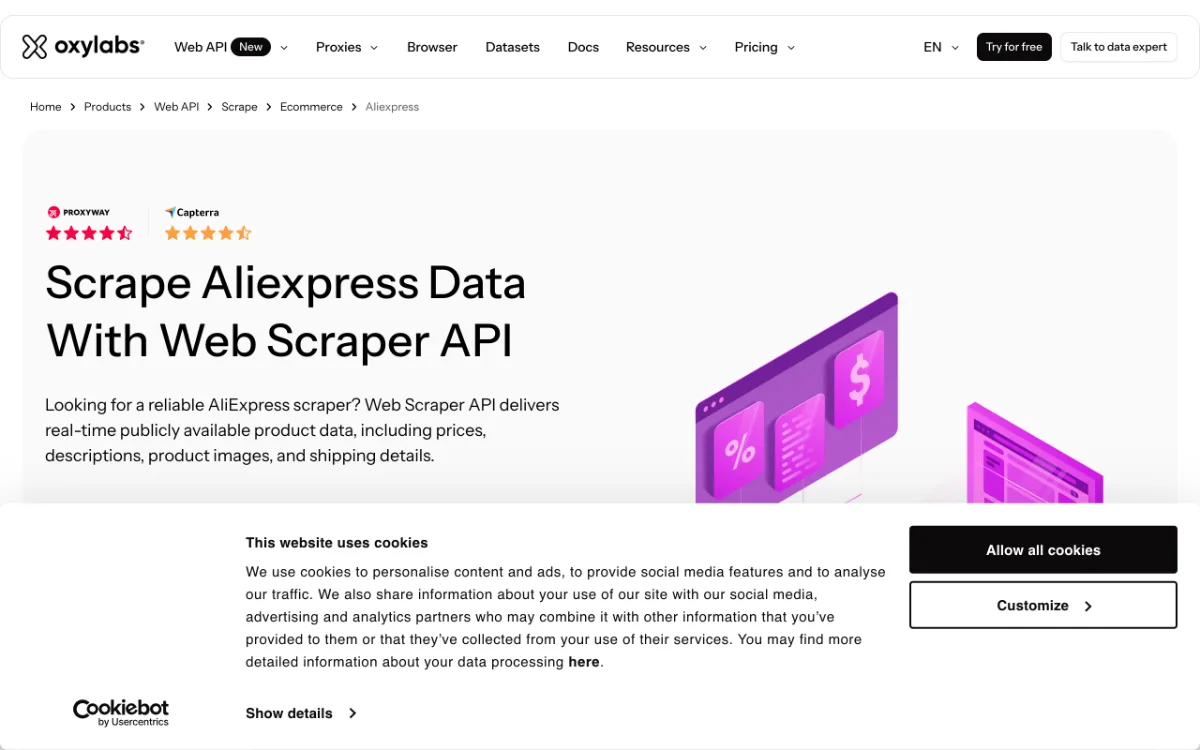
Oxylabs lists three AliExpress targets in its Web Scraper API: product by id, search by term and any AliExpress URL. The sample response is raw HTML; structured output needs its OxyParser or your own selectors. Its Web Scraper API pricing runs from $0.50 per 1,000 results at low volume to $0.25 at 10 million or more, on plans from $15 a month (Starter), $100 (Basic) and $500 (Flexible), with a free trial of up to 2,000 results. The page does not list a separate AliExpress rate. Choose it if you already run Oxylabs for other sites and want to own the parsing.
5. Piloterr: product detail from a URL
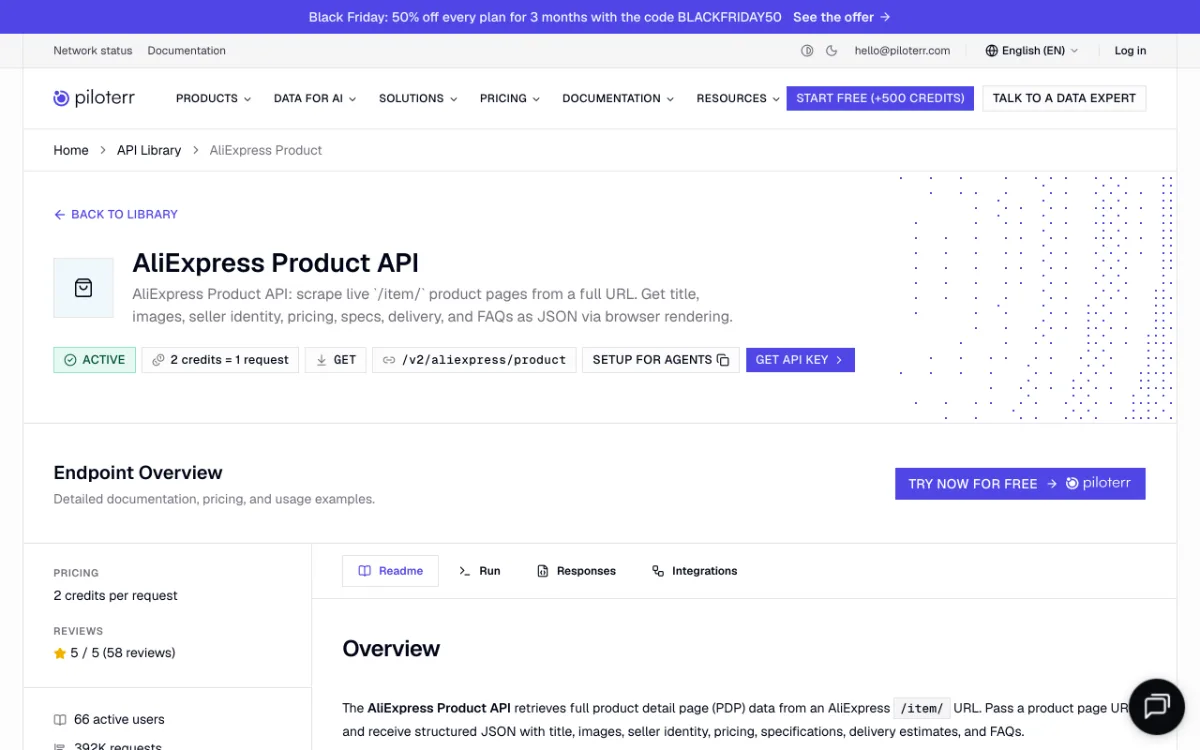
Piloterr's AliExpress Product API takes a full product URL and returns title, media, rating, review count, sold_count, available_count, seller, price with original price and discount, shipping cost, estimated delivery, specifications and FAQs, for 2 credits a request. Search and store-product endpoints are also 2 credits and a reviews endpoint is 1. Plans are $49 a month for 18,000 credits, $99 for 40,000 and $249 for 110,000, with 500 free credits to start; on the $49 plan a product call works out to about $5.44 per 1,000. The page showed 66 active users and a 5/5 rating from 58 reviews. Choose it when you start from product URLs and want specifications and FAQs.
6. The AliExpress API on RapidAPI
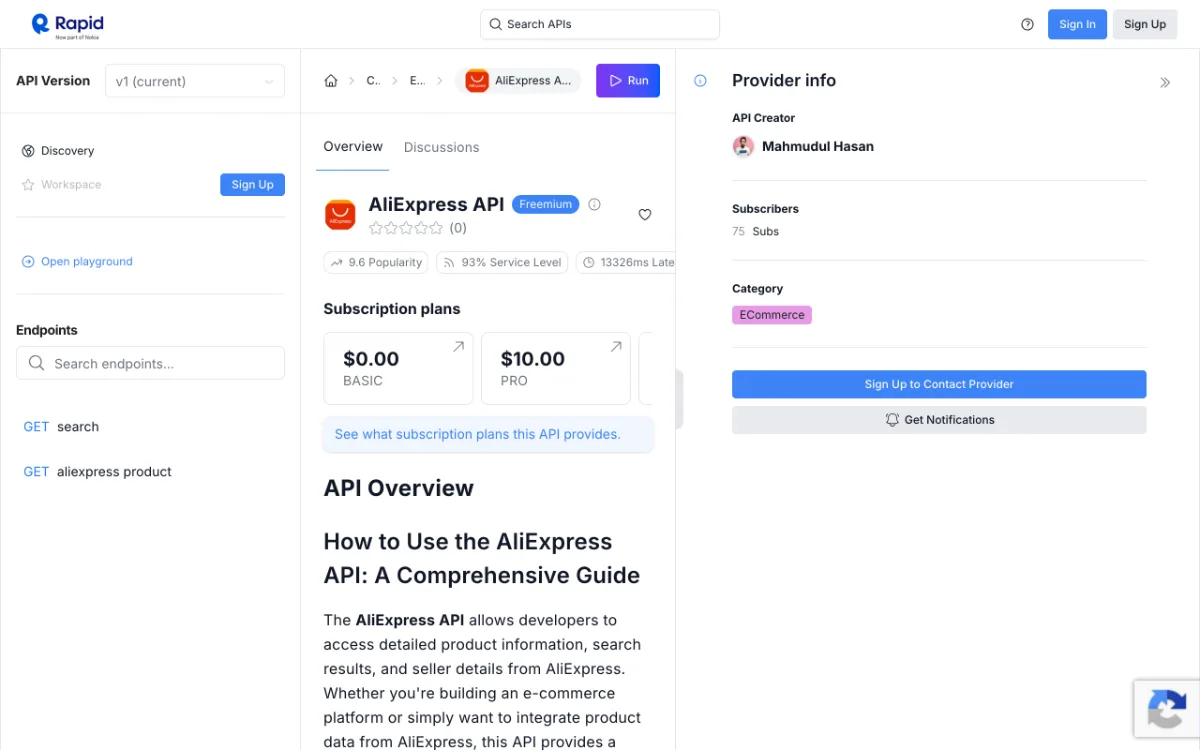
The AliExpress API by Mahmudul Hasan on RapidAPI has two GET endpoints, a keyword search and a product lookup by URL whose sample includes price, rating, soldCount, store and a shipping summary. Plans are free for 20 requests a month, $10 for 20,000, $49 for 100,000 and $299 for 1,000,000, each a hard limit. The listing showed 75 subscribers, a 93% service level and 13,326 ms average latency. Choose it for a small project that wants search and product lookups behind a RapidAPI key; like other marketplace listings it is run by an independent developer.
Other Apify actors and general-purpose scraping APIs also return AliExpress pages; check whether they return parsed fields or raw HTML, and how they bill, before you compare.
Pick by the number you need
If your product picks the next item to sell, or tells a shopper what a category is buying, the number that matters is orders, and keeping it current is the ongoing work. Tracking the first three pages of 20 categories every day is 60 calls, about 180 listings per category, and 1,800 credits a month. Add a 50-review pull on 100 shortlisted products each week, about 430 calls a month, and the total is about 2,230 credits: within the 3,000 credits of the $15 Hobby plan, or $2.23 at the Growth rate of $1 per 1,000 credits. Billed per product row, the same coverage is about 108,000 rows a month. Try the AliExpress API free, 50 credits, no card, or try the endpoints in the playground.
Reference: AliExpress API overview · how to get AliExpress product data and prices · AliExpress data without a developer account · best TikTok Shop APIs · best eBay price data APIs
Frequently asked questions
Does AliExpress have an official API for product data?
Yes, the AliExpress Open Platform at openservice.aliexpress.com. Its Affiliate API serves publishers in the AliExpress affiliate program and needs an app key, app secret and tracking id; its Dropshipping API serves store owners. Both start with a developer registration and an app review, and developers on Reddit report rejected applications. Third-party APIs read the public site instead and need only their own key.
How accurate are AliExpress sold counts?
The badge on the site rounds down. In a category sorted by orders on November 29, 2026, every listing badged “10,000+ sold” that came back with an exact count had between 21,066 and 48,685 orders. Scavio returns that count as exact_sold next to the badge text, and Apify's Zen Studio actor and Piloterr also return a numeric sold count.
Can I get AliExpress product data for free?
The official Open Platform APIs cost nothing but require an approved developer app. Among third-party APIs, Scavio gives 50 free credits on signup with no card, Bright Data gives 5,000 free records a month, Piloterr 500 free credits, Oxylabs a trial of up to 2,000 results and the AliExpress API on RapidAPI 20 free requests a month.
How do I find best-selling products on AliExpress with an API?
Sort by orders. Scavio's search and category endpoints take sort_by: orders and return 60 products a page with price, discount, rating, ship-from country, delivery window and exact_sold, so the first page of a category is its best-sellers ranked by real order counts.
Is it allowed to use AliExpress data from an API?
Scavio fetches the public AliExpress page when you make a call and returns what it shows as JSON; it does not log in or read account data. Whether your use fits AliExpress's Terms of Use and the law where you operate depends on what you do with the data, so read AliExpress's terms and ask your own counsel. This is not legal advice.